Field GuideVerified transmission
Android wallpaper installation
How to Set a Wallpaper on Android
Use the current Pixel path below as the verified reference. Samsung, Motorola, OnePlus, and other Android phones may use different labels, but the same file and crop principles apply.
Download 10 free dark car phone wallpapers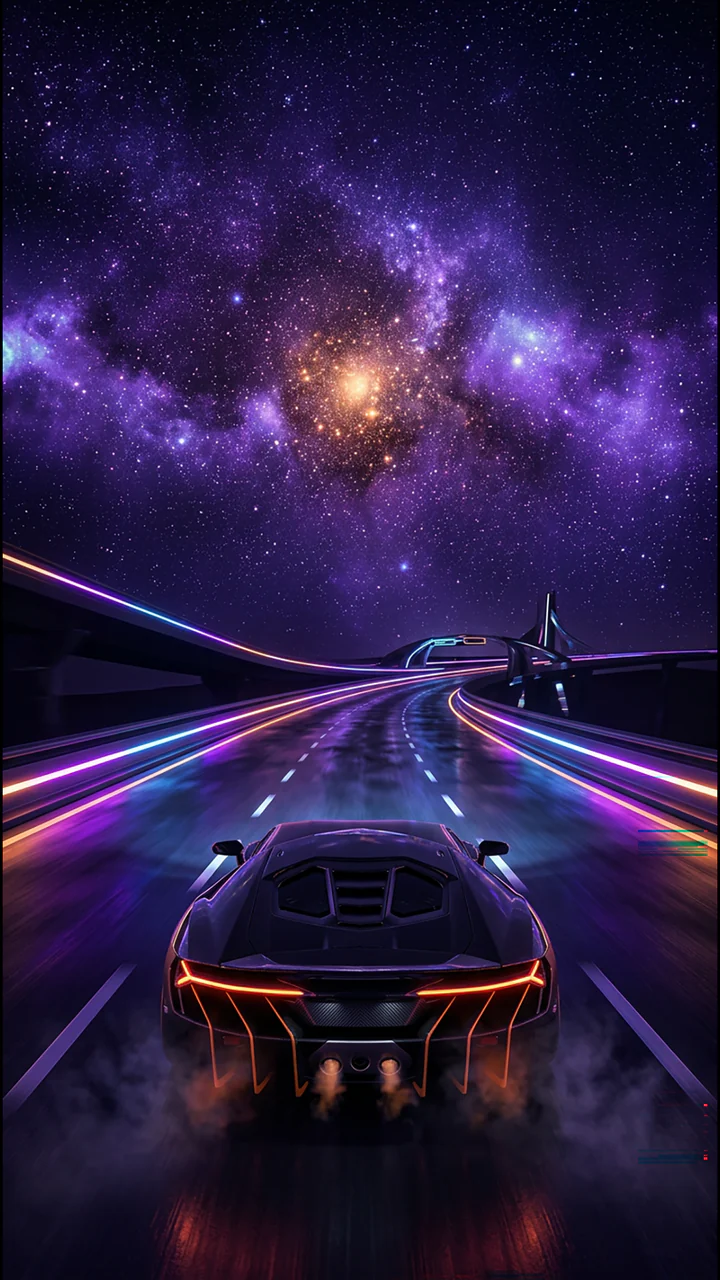
1. Extract the downloaded ZIP
- Open Files by Google and browse to the folder containing the downloaded ZIP.
- Select the ZIP, tap Extract, review the preview, and tap Done.
- Open the extracted folder. It contains the PNG wallpapers plus the license and manifest.
2. Current Google Pixel steps
- Touch and hold an empty area of the Home Screen.
- Tap Wallpaper & style, then More wallpapers and Change wallpaper.
- Choose Lock screen or Home screen if you want to adjust them separately, then tap Choose a photo.
- Select the extracted Cosmic Throttle PNG, preview its position, and tap Apply. If your Pixel offers a screen choice at the final step, select the screen you want.
3. What changes on other Android phones
Android manufacturers can rename or relocate the wallpaper menu. A phone may begin from a long press on the Home Screen, a Wallpaper & style panel, the Gallery app, or Settings. The verified sequence above is for Google Pixel; it is not a promise that every Android skin uses the same labels.
If your phone differs, open its official support page and search for “change wallpaper” with the exact model name. Keep the selected file as the original PNG and choose separate Lock and Home screens when the device offers that choice.
4. Check crop, scrolling, and icon readability
- Center the main car, galaxy, or horizon in the preview before applying.
- Some launchers scroll a wallpaper across multiple Home Screen panels. Preview that behavior before accepting the crop.
- Use the darker portion of the image behind icons and labels when possible.
- If a launcher adds motion or zoom that changes the composition, choose its static option when available.
5. Confirm you used the full file
The Starter Drop and Dark Speed phone files are 1080 × 1920 PNGs. Astro Signal phone files are 1440 × 3200. A web preview is useful for browsing, but the direct ZIP contains the intended download files and exact manifest details.
If the wallpaper looks soft, return to Files and choose the extracted PNG rather than a screenshot or thumbnail saved from the browser.